

Download: How to Connect to a PHP Database.mp4
How to Connect to a PHP Database (MySQL)
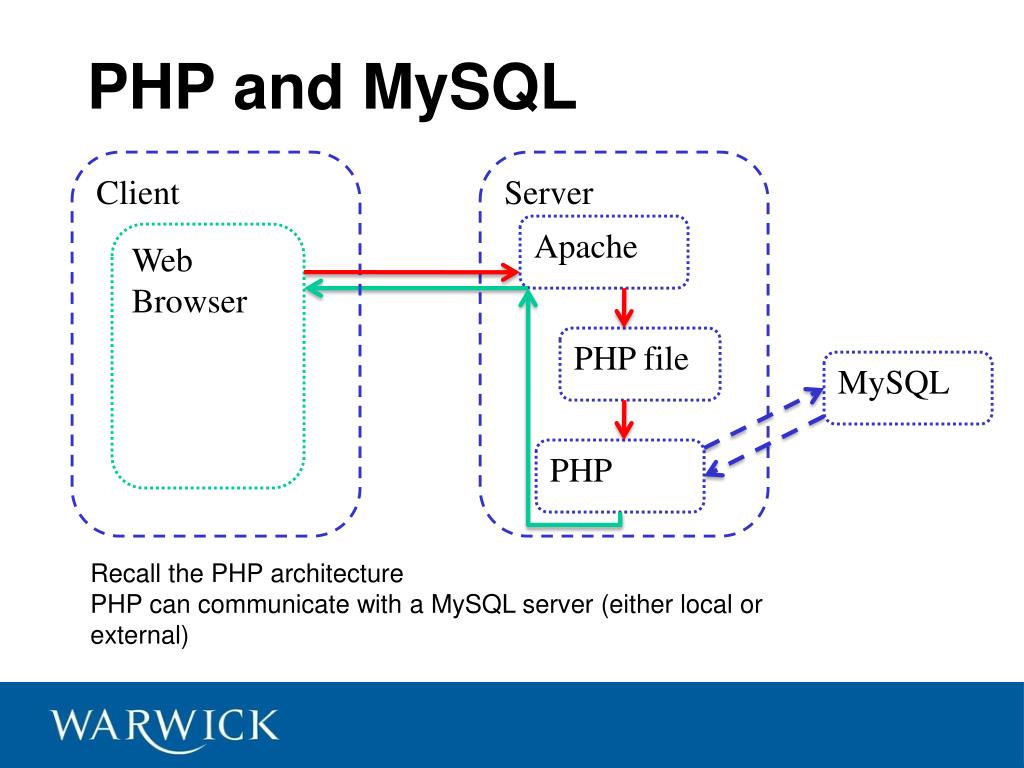
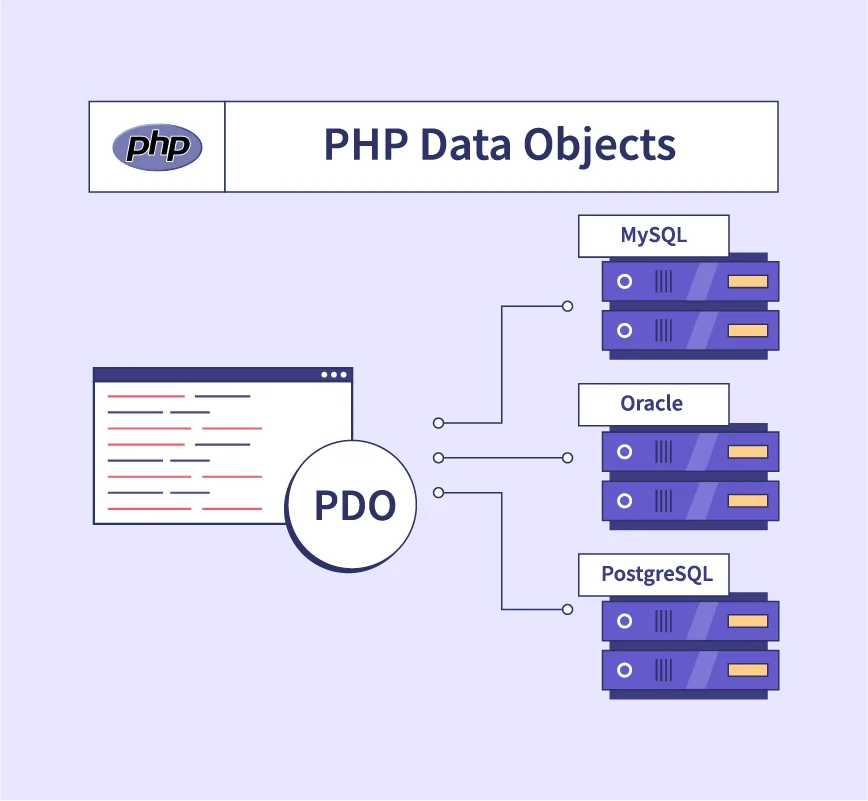
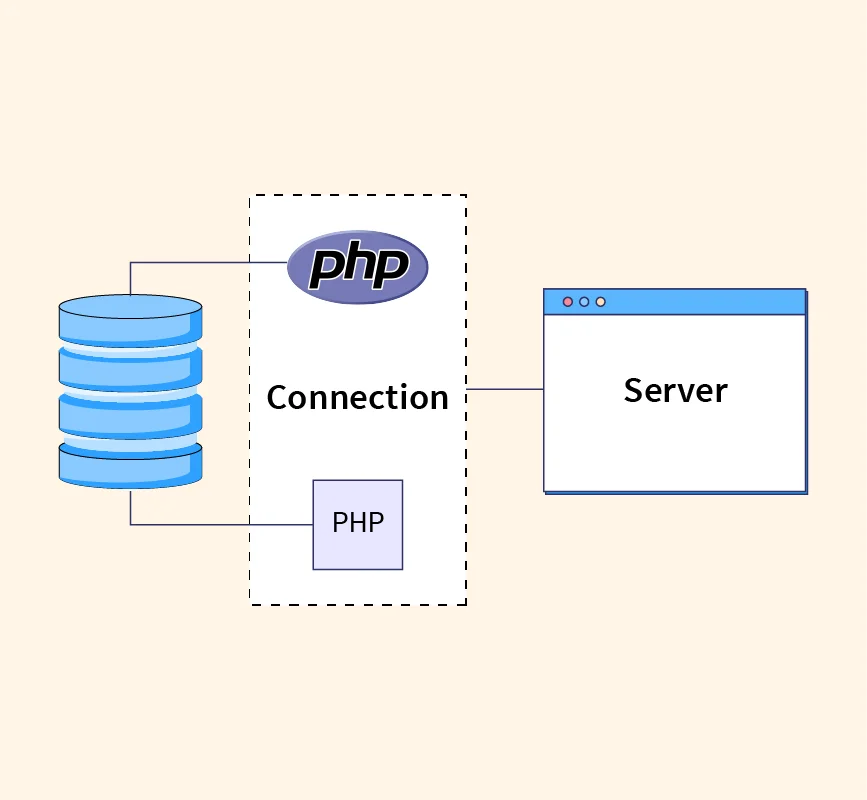
PHP connects to databases mainly using MySQLi or PDO.
👉 PDO is recommended because it’s more secure and supports multiple databases.
1. Prerequisites
Before connecting, make sure you have:
A running web server (XAMPP, WAMP, MAMP, or Linux LAMP)
PHP installed
MySQL/MariaDB database
Database credentials:
Host (usually
localhost)Database name
Username
Password
2. Database Connection Using PDO (Recommended)
Basic PDO Connection Code
<?php
$host = "localhost";
$dbname = "my_database";
$username = "db_user";
$password = "db_password";

try {
    $conn = new PDO("mysql:host=$host;dbname=$dbname;charset=utf8", $username, $password);
    $conn->setAttribute(PDO::ATTR_ERRMODE, PDO::ERRMODE_EXCEPTION);
    echo "Database connected successfully";
} catch (PDOException $e) {
    die("Connection failed: " . $e->getMessage());
}
?>
✅ Why Use PDO?
Prevents SQL Injection
Supports prepared statements
Works with multiple database types
3. Database Connection Using MySQLi (Alternative)
MySQLi Procedural
<?php
$conn = mysqli_connect("localhost", "db_user", "db_password", "my_database");

if (!$conn) {
    die("Connection failed: " . mysqli_connect_error());
}
echo "Connected successfully";
?>
MySQLi Object-Oriented
<?php
$conn = new mysqli("localhost", "db_user", "db_password", "my_database");

if ($conn->connect_error) {
    die("Connection failed: " . $conn->connect_error);
}
echo "Connected successfully";
?>
4. Best Practice: Separate Connection File
Create config.php
<?php
$host = "localhost";
$dbname = "my_database";
$username = "db_user";
$password = "db_password";

try {
    $conn = new PDO("mysql:host=$host;dbname=$dbname;charset=utf8", $username, $password);
    $conn->setAttribute(PDO::ATTR_ERRMODE, PDO::ERRMODE_EXCEPTION);
} catch (PDOException $e) {
    die("DB Error: " . $e->getMessage());
}
?>
Include it in other files:
<?php
require "config.php";
?>
5. Test the Connection
Save the file as
test.phpOpen in browser:
http://localhost/test.php
If successful, you’ll see:
Database connected successfully
6. Common Connection Errors & Fixes
| Error | Solution |
|---|---|
| Access denied | Check username/password |
| Database not found | Verify DB name |
| Connection refused | Ensure MySQL is running |
| Charset issues | Use charset=utf8 |
7. Security Tips 🚨
❌ Never hardcode credentials in public files
✅ Use
.envfiles for production✅ Always use prepared statements
❌ Don’t display DB errors in production
Conclusion
Connecting PHP to a database is simple once you understand:
Use PDO for security and flexibility
Separate configuration files
Handle errors properly
Enjoy! Follow us for more...


No comments:
Post a Comment